
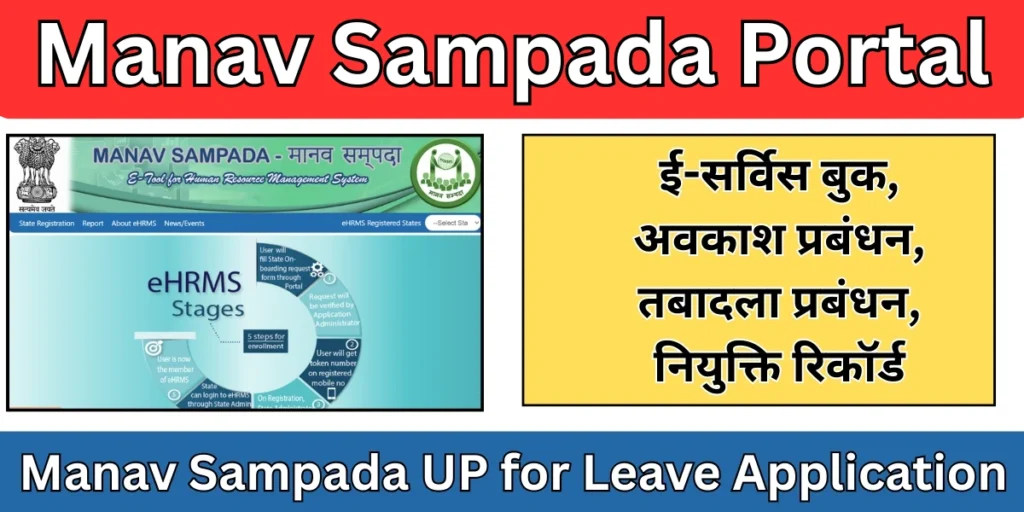
The Uttar Pradesh government has modernized employee HR operations through Manav Sampada Portal, a powerful eHRMS (Electronic Human Resource Management System) available at ehrms.upsdc.gov.in. Built to replace manual paperwork and reduce administrative delays, this digital platform enables more than a million government employees to manage leave, attendance, salary details, promotions, training schedules, and service records online. From downloading payslips to monitoring professional development, Manav Sampada UP delivers a seamless, transparent, and round-the-clock HR management experience.
What is the Manav Sampada Portal?
The Manav Sampada Portal is an online HRMS platform used by various state governments in India. It enables government departments to maintain accurate employee databases and allows employees to access their service-related information from a single portal.
This system eliminates paperwork, reduces delays, and ensures transparency in HR operations. Employees no longer need to visit offices repeatedly for basic HR tasks such as leave approval or checking service history.
Manav Sampada Portal Key Objectives
Developed by the NIC UP State Centre, the portal is designed to:
- Centralize HR operations: Shift traditional manual tasks to a fully automated system.
- Promote transparency: Ensure compliance with RTI Act requirements for transfers, promotions, and recruitment.
- Improve employee self-service: Provide easy access to payroll, leave management, and service records.
- Strengthen governance: Leverage data analytics to support effective workforce planning and informed policy decisions.
Manav Sampada UP Key Features
Employee Self-Service Dashboard:
- Access salary slips, service books, and Annual Confidential Reports (ACR).
- Apply for leave, check attendance, and update personal information online.
Automated HR Operations:
- Streamlined merit-based transfers, training management, and payroll processing.
Real-Time Monitoring:
- Track leave requests, attendance data, and approval statuses instantly.
Secure & Mobile-Responsive:
- Use the portal anytime, anywhere through secure desktop or mobile access.
How to Login to Manav Sampada Portal?
- Go to ehrms.upsdc.gov.in.
- Click on “eHRMS Login” in the top-right corner.
- Choose your department (such as Basic Education or Medical Health).
- Enter your User ID, Password, and the Captcha code.
- Click Login to open your dashboard.
Login Issue Solutions:
- Forgot your password? Use the Forgot Password option, choose recovery via SMS or email, and follow the on-screen steps.
- Portal not opening? Clear your browser cache, switch to another browser (like Chrome or Firefox), or check your internet connection.
How to Apply Manav Sampada Leave?
- After signing in, navigate to Leave Module → My Leave → Apply for Leave.
- Enter the required details such as Reporting Officer, Leave Type, and From/To dates.
- Add optional information, like your address during the leave period.
- Click Submit and confirm by selecting OK.
- Check the progress of your request under View Application Status.
How to Register on Manav Sampada Portal
New employees or departments need to complete registration before using the portal.
- Manav Sampada Registration Steps
- Department admin creates employee credentials
- Employee receives login details
- First-time users update their profile and password
- Verification is completed by the department
Services Available on Manav Sampada Portal
- Employee Self-Service (ESS): Employees can update personal details, view postings, and download service-related documents.
- Leave & Attendance: Apply for casual leave, earned leave, medical leave, and track approval status online.
- Promotion & Increment Records: Departments update promotion history and salary increments through the system.
- Transfer Requests: Employees can view transfer orders and departmental posting updates.
- Reports & Analytics: Authorities can generate workforce reports to aid policy decisions.
Benefits of Manav Sampada Portal for Employees
The Manav Sampada system offers numerous advantages to government employees:
- Easy access to service records anytime
- Faster leave approvals
- Reduced dependency on office visits
- Improved transparency in postings and transfers
- Secure digital record maintenance
Employees experience better communication and faster HR responses
Benefits of Manav Sampada for Government Departments
For departments, Manav Sampada Portal improves administrative efficiency:
- Centralized employee information
- Better workforce planning
- Reduced paperwork and operational costs
- Accurate reporting and monitoring
- Enhanced accountability
How to Reset Manav Sampada Password
If you forget your password:
- Go to the Manav Sampada login page
- Click Forgot Password
- Enter your registered details
- Verify via OTP or admin approval
- Set a new password
Frequently Asked Questions (FAQs)
What is Manav Sampada and why is it used?
Manav Sampada is an online Human Resource Management System (HRMS) developed for government employees. It is used to digitally manage employee records, leave applications, transfers, promotions, and service books in a transparent and efficient manner.
Who can use the Manav Sampada Portal?
The Manav Sampada Portal is mainly used by state government employees, department administrators, and HR officials. Each employee is provided login credentials by their respective department to access personal service-related information.
How can I apply for leave through Manav Sampada?
To apply for leave on Manav Sampada, log in to the portal, go to the Leave Management section, select the leave type, enter dates and reason, and submit the request. The leave status can be tracked online after submission.